Wix SEO Tools Explained: Features, Setup & Tips

Wix SEO Tools Explained: Features, Setup & Tips (Complete Guide for Beginners)
Search engine optimization is the foundation of digital visibility. For any website owner, understanding how to position content so that search engines can find, crawl, and index it effectively is the difference between a thriving online presence and digital invisibility. In the early days of website builders, a persistent narrative emerged that drag-and-drop platforms were inherently inferior for search performance. Specifically, a common myth circulated that Wix was bad for SEO.
While that historical reputation may have been rooted in the platform’s early reliance on Flash and rigid architecture, the modern reality is entirely different. Wix has undergone a massive transformation, developing a sophisticated ecosystem of native search engine optimization capabilities. The platform now features robust infrastructure that rivals traditional content management systems, matching the requirements of modern search algorithms.
This comprehensive guide will demystify the native optimization infrastructure of the platform. You will explore the built-in optimization capabilities, technical infrastructure improvements, structured data integrations, and advanced configurations that allow users to compete for top spots on search engine results pages. Whether you are a local business owner setting up your first homepage or an experienced digital marketer managing client portfolios, this article provides an in-depth walkthrough of features, setup requirements, and practical tips to maximize your online visibility.
What Are Wix SEO Tools?
Wix SEO tools comprise a comprehensive suite of built-in functionalities designed to help website owners optimize their digital real estate without requiring deep software engineering or coding skills. Instead of forcing users to rely entirely on complex third-party installations or manual code injections, the platform integrates search data configuration directly into the page editor, dashboard, and site settings. This democratizes the optimization process, making it accessible for beginners and small businesses while remaining powerful enough for professional web developers.
The fundamental objective of these utilities is to bridge the gap between user content and search engine algorithms. By standardizing backend configurations and providing clean input fields for essential frontend signals, the platform ensures that your content is presented in a format that crawlers can easily comprehend. The core optimization suite can be broken down into five primary categories:
-
On-Page SEO Elements: Tools dedicated to modifying individual page elements, such as meta titles, descriptions, custom URL slugs, and heading hierarchies.
-
Technical SEO Infrastructure: The underlying server-side architecture, including automatic server-side rendering, secure sockets layer protocols, clean source code delivery, and performance optimizations.
-
Site Indexing and Connectivity: Direct pipelines to search networks that facilitate rapid indexing, instant verification, and automatic sitemap delivery.
-
Analytics and Marketing Integrations: Connection nodes that bind your web presence to critical diagnostic suites like Google Search Console, Google Analytics, and external marketing systems.
-
AI-Driven Optimization Assistance: Machine learning modules that evaluate site content, generate contextual metadata suggestions, and identify optimization oversights automatically.
Built-in vs Third-Party SEO Tools in Wix
A frequent point of confusion for new website managers is whether native features are sufficient or if third-party extensions are necessary. In traditional platforms like WordPress, users must evaluate, install, and continuously update external plugins to gain access to basic configuration panels. This frequently introduces compatibility conflicts, site vulnerabilities, and performance degradation.
The native configuration eliminates this friction. Because the core search settings are built directly into the site architecture, updates are maintained automatically by centralized engineering teams. This ensures zero risk of plugin conflicts or broken site features. While the platform does offer an app market with specialized marketing extensions, the vast majority of websites can achieve flawless technical and on-page compliance using exclusively native configurations. The built-in toolkit handles everything from simple page titles to advanced schema modifications, rendering external installations unnecessary for standard optimization strategies.
Wix SEO Setup Checklist
Launching a new website or optimizing an existing one requires a structured approach to ensure no technical configurations are missed. Skipping fundamental setup phases can delay your indexing or prevent search engine crawlers from reading your pages accurately. Use this foundational checklist to secure your baseline technical optimization.
Connect a Custom Domain
Using a free subdomain (such as username.wixsite.com/sitename) is acceptable for temporary staging or personal testing, but it is a major barrier for serious search visibility. Search engines prioritize distinct, professional domains because they establish authority, brand validity, and institutional permanence.
Connecting a custom domain is the first critical step toward establishing your digital footprint. A clear, branded domain name makes your brand easier to reference online, improves user trust within search listings, and acts as the central anchor for all your future backlink acquisition efforts.
Enable SSL/HTTPS
Hypertext Transfer Protocol Secure (HTTPS) is an absolute, non-negotiable ranking signal across the modern web ecosystem. Websites that operate over non-encrypted connections are heavily penalized by search algorithms and are flagged as unsafe by modern web browsers.
The platform handles this security layer automatically. When you connect a custom domain, an SSL certificate is provisioned and deployed across your entire site structure without any extra cost or manual setup. This encryption protocol protects visitor data, ensures user trust, and satisfies the algorithmic requirement for secure web experiences.
Submit Sitemap to Google
A sitemap is an organized blueprint of your website that lists every individual URL that should be crawled and indexed. Instead of waiting for search engines to slowly discover your new site via external links, you can proactively submit this file to accelerate the process.
The platform automatically builds and updates your XML sitemap in the background whenever you add, delete, or modify your pages. By connecting your site to Google Search Console through the site dashboard, this file is instantly mapped and submitted, giving crawlers a direct roadmap to read your site’s structure from day one.
Set Up SEO Basics
Once the overarching infrastructure is established, you must focus your attention on individual page settings. Every core page on your site requires manual verification of its foundational tags:
-
Page Titles: The clickable blue headers that display within search result pages.
-
Meta Descriptions: The short summaries located directly beneath the title that explain the page’s core utility.
-
URL Slugs: Clean, keyword-focused text extensions that specify the location of the page.
-
Image Alt Text: Text summaries applied to graphics so that search engine crawlers understand what the image represents.
Mobile Optimization
Search engines evaluate and rank web content based primarily on how it performs on mobile devices, a practice known as mobile-first indexing. If your desktop experience is flawless but your mobile layout is disorganized or slow, your organic visibility will decline across all platforms.
The editor provides a dedicated mobile workspace where you can arrange elements, resize text strings, hide unnecessary decorative graphics, and ensure that tap targets are correctly proportioned for smaller screens. Confirming your mobile layout is clear and highly readable is essential for protecting your site’s search visibility.
Wix SEO Wiz Explained
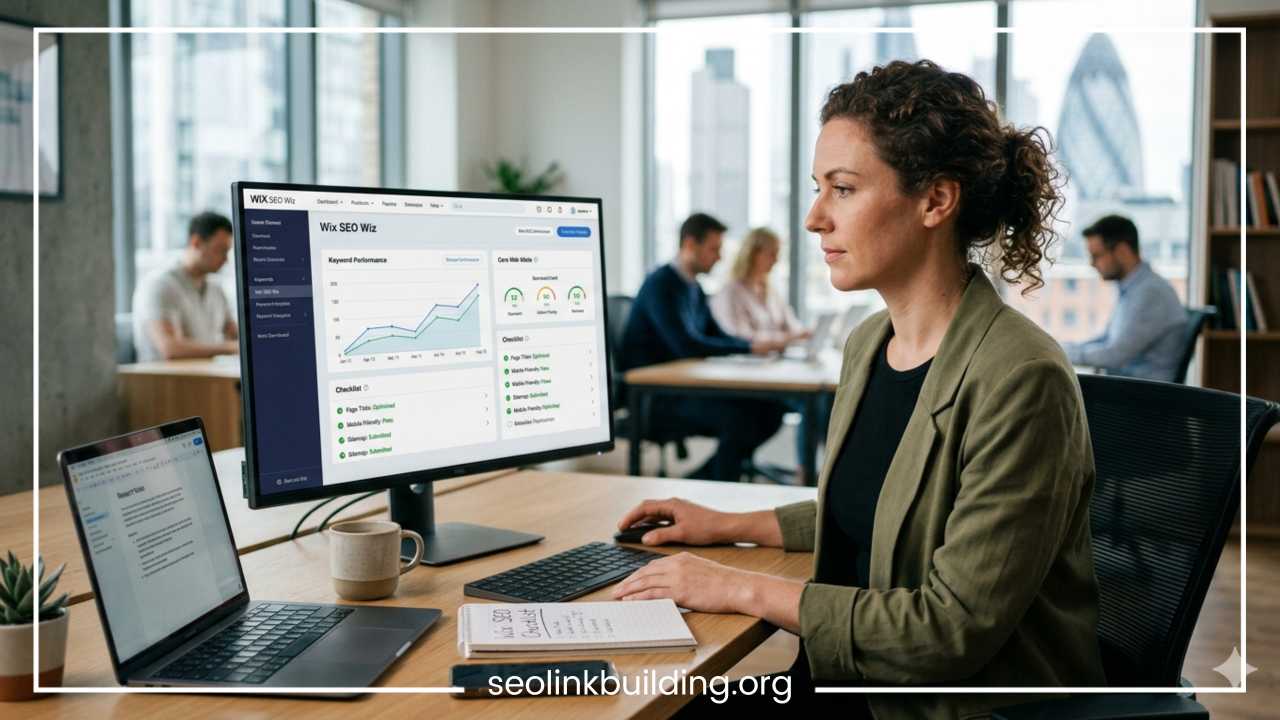
For users who find the technical requirements of search engine optimization overwhelming, the platform offers an introductory application known as the Wix SEO Wiz. This tool acts as an interactive, step-by-step setup wizard designed to demystify optimization procedures for beginners.
How Wix SEO Wiz Works
The application operates sequentially by asking a series of introductory questions regarding your enterprise, your physical location (if applicable), and your core commercial objectives. Users initially input their primary brand descriptors and a collection of targeted keywords.
Following this submission, the software processes these parameters alongside an internal analysis of your site’s layout to generate a personalized optimization blueprint. This plan manifests as a simplified checklist within your dashboard, identifying exactly where metadata is missing, which images lack alt attributes, and how to structure your homepage to align with your chosen keywords. Once these tasks are marked complete, the wizard provides a direct portal to instantly verify your site with Google Search Console, triggering immediate crawling and indexing.
Benefits for Beginners
The major value proposition of the wizard is its ability to turn abstract search concepts into achievable tasks. It protects users from choice paralysis by highlighting exactly what needs to be fixed first.
Instead of forcing users to dig through multiple menus, the system links directly to the exact editor panels that require adjustment. The instant verification feature is incredibly helpful for newcomers, bypassing the tedious process of manually copying HTML verification tags or editing domain name server settings.
Limitations of SEO Wiz
While the wizard is excellent for initial setups, it should be viewed as a starting point rather than a complete, long-term search strategy. The tool is inherently prescriptive and relies entirely on the keywords you provide. If your initial keyword selections are poorly researched, over-competitive, or lack search volume, the tool will faithfully help you optimize for those suboptimal targets anyway.
Furthermore, the wizard focuses mostly on basic sitewide compliance and homepage alignment. It does not handle advanced tactics like deep intent mapping, complex structured data customization, scalable content marketing campaigns, or extensive backlink generation. To achieve competitive rankings in high-difficulty niches, you must move beyond the basic wizard checklist and master the platform’s advanced optimization controls.
Key Wix SEO Features Explained
To maximize your organic reach, you must understand the deep configuration options available within the platform’s advanced settings panel. Here is a detailed breakdown of the primary optimization features available to you.
Custom Meta Titles & Descriptions
Meta titles and descriptions are your primary tools for earning clicks in search engine results. They act as your digital billboard, and optimizing them directly influences both your algorithmic relevance and your click-through rate (CTR).
The platform allows you to configure these elements globally or individually. Through the SEO Settings panel of any page, you can type your preferred copy and view a real-time preview of how the result will look on desktop and mobile displays.
Typical Search Result Preview:
+-----------------------------------------------------------------------------+
| Perfect Title Tag Example: Focus Keywords Go Here | Brand Name |
| https://www.yourdomain.com/clean-url-slug |
| This is the meta description. It must provide a concise summary of the page |
| while using enticing language that encourages searchers to click through. |
+-----------------------------------------------------------------------------+
To maximize your visibility, keep your title tags under 60 characters and meta descriptions under 160 characters to avoid text truncation in search results. Ensure every page features unique text that addresses the specific search intent of your audience while naturally including your target keywords.
SEO-Friendly URLs
A clean, legible URL structure benefits both search engine crawlers and real human visitors. URLs filled with random numeric strings, complicated parameter blocks, or generic tracking codes look spammy and fail to provide any contextual value.
The platform provides full control over your URL architecture. For standard pages, blog posts, and e-commerce products, you can easily customize the URL slug to match your primary keyword targets. The platform automatically cleans your text inputs, converting spaces to hyphens and stripping away unapproved special characters to ensure your URLs remain compliant with international web standards.
Structured Data / Schema Markup
Structured data is a standardized code format that you add to your pages to help search engines understand exactly what your content means. By implementing schema markup, you allow search engines to display your pages as rich snippets, which can include star ratings, review scores, product pricing, event dates, or interactive FAQ accordions.
The platform supports structured data through two main methods. First, it applies automatic schema presets across standard site types, including e-commerce products, event listings, local business pages, and blog posts. Second, it features an advanced Custom Schema Editor that lets you paste specialized JSON-LD code blocks directly into individual pages. This lets you configure advanced markup like FAQ schema, Course schema, or Recipe schema without needing to alter your core site files.
Automatic XML Sitemap
As your website grows, manually maintaining an accurate index of every page becomes impossible. The platform removes this burden by generating and maintaining an automated XML sitemap file.
Whenever you publish a new article, launch a product category, or delete outdated content, the platform immediately updates your central sitemap index file (typically located at yourdomain.com/sitemap.xml). This file is split into clean sub-sitemaps categorized by page type, which prevents large sites from exceeding search engine file size limitations and ensures efficient crawling.
Robots.txt Customization
The robots.txt file serves as an instruction manual for visiting web crawlers, telling them which folders and sections of your site they are allowed to look at and which ones they should avoid. By default, the platform blocks search bots from crawling sensitive or redundant system folders, such as internal shopping carts, member login paths, or password-protected user portals.
For advanced users, the platform provides an editing console that lets you add custom directives to your robots.txt file. This is highly useful if you want to block specific bots from crawling your content, or if you need to prevent search engine access to specific internal search filters or temporary marketing landing pages.
Image SEO Tools
Images make your website engaging, but search engine crawlers cannot visually interpret photos or graphics without help. Image optimization requires providing descriptive text context while maintaining small file sizes to preserve fast loading speeds.
The platform’s media manager handles these requirements efficiently:
-
Alt Text Configurations: You can add descriptive alternative text to every graphic, photo gallery item, and product image directly in the editor, ensuring full accessibility and visibility in image search results.
-
Automated Compression: Images uploaded to the media manager are compressed on the platform’s servers automatically, removing unnecessary file weight while keeping visual clarity high.
-
WebP Generation: The system converts standard file formats like JPEG and PNG into modern WebP formats automatically upon page delivery, saving bandwidth and improving mobile load times.
-
Descriptive Filenames: The media manager preserves legible filenames during upload, allowing you to use clear, descriptive titles rather than generic camera labels like IMG_001.png.
Mobile Optimization
With the majority of web traffic originating from mobile devices, optimizing your mobile layout is crucial for protecting your organic rankings. The platform uses a specialized absolute-positioning engine that generates a dedicated mobile viewport alongside your desktop layout.
This allows for deep mobile customization. You can adjust font sizing to prevent layout shifting, hide heavy decorative design elements that slow down mobile networks, and rearrange overlapping components. This layout separation allows you to build highly functional, fast-loading mobile experiences tailored directly to the demands of mobile-first indexing.
Redirect Manager
When you restructure a website, delete old pages, or update a URL slug, any old links pointing to those pages will break, resulting in a frustrating 404 error page. This breaks your user experience and discards any valuable ranking signals or backlink authority those old pages had earned over time.
The native Redirect Manager solves this issue by letting you create 301 permanent redirects quickly and easily. You can redirect individual URLs or use group patterns to move entire folders of old links at once. This ensures that when you update your URL structures, your accumulated search equity transfers smoothly to your new pages.
Canonical Tags
Duplicate content can confuse search engines, leading to ranking issues when multiple identical or highly similar pages exist on your site. This often happens in e-commerce stores where the same product can be found through several different filter paths and categories.
To prevent this confusion, the platform adds automatic canonical tags to your pages. A canonical tag is a small piece of code that tells search engines exactly which version of a page is the master copy. If you have advanced needs, you can override these defaults within the page settings panel to point crawlers to a single, preferred URL across multiple page variants.
Integration with Google Tools
Making smart decisions for your website requires clear data. The platform provides a dedicated integrations panel that allows you to connect your site directly to Google’s suite of webmaster tools.
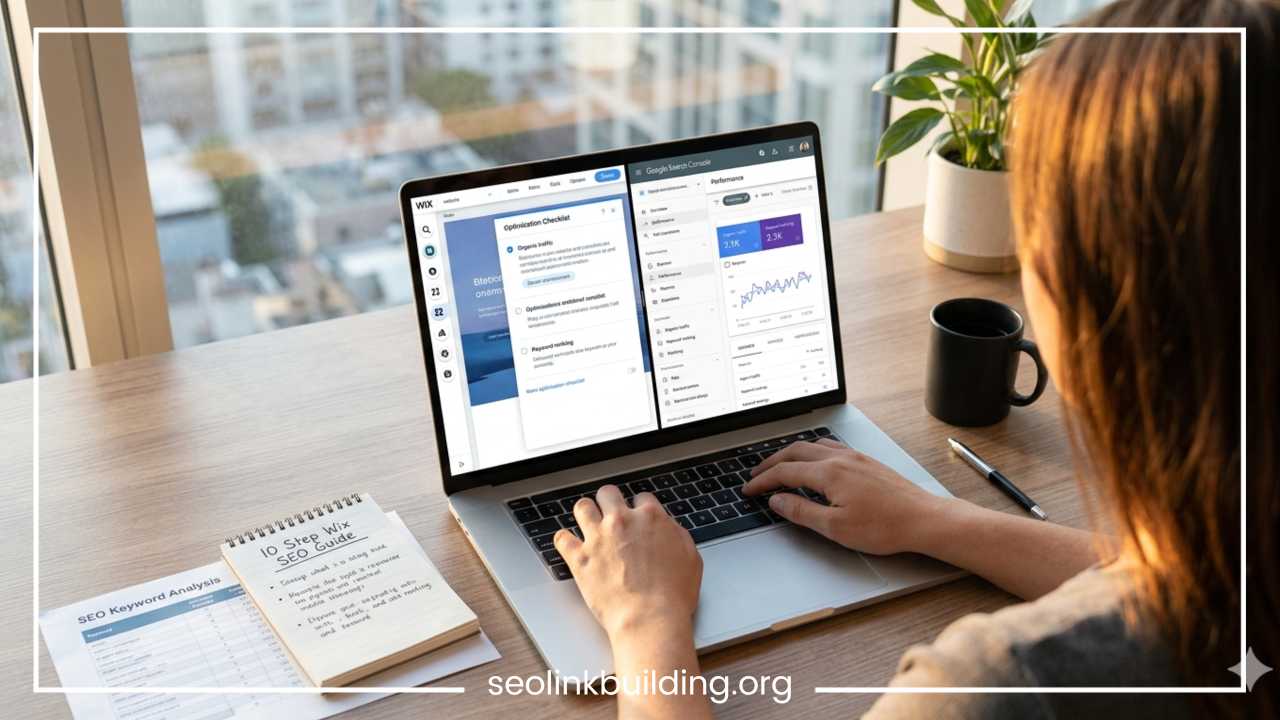
Through these native integrations, you can verify your Google Search Console account instantly to monitor search terms and crawl errors. You can also deploy Google Analytics property tags to track user behavior on your site, and connect your Google Business Profile to sync your local address, operating hours, and customer reviews directly onto your web pages.
Wix SEO Tips to Improve Rankings
Having the right tools is only half the battle; you also need to know how to use them effectively. Here are practical, actionable tips to help you maximize your visibility and improve your organic rankings.
Do Proper Keyword Research
Never guess what terms your target audience uses to find your products or services. Before writing any content, use reliable keyword research platforms like Semrush, Ahrefs, or Google Keyword Planner to find what your customers are actually searching for. Look for high-value search terms that combine reasonable monthly search volumes with search intent that matches what your page offers. Focus on long-tail keywords—highly specific phrases that often have lower competition and are much easier to rank for when you are just starting out.
Optimize Every Page Individually
A common mistake is optimizing only the homepage while leaving internal pages with generic titles or empty descriptions. Treat every single page on your website as a unique landing page that deserves careful attention. Craft distinct meta titles, write descriptive meta summaries, and structure your headings carefully around a specific topic. This focused approach helps search engines understand the exact purpose of every page, allowing your site to rank for a wider variety of search terms.
Improve Site Speed
Page speed is a core ranking factor that directly influences user experience and engagement. You can improve your site’s performance by following these clear adjustments:
| Performance Focus Area | Specific Actions for Optimization |
| Media Assets | Compress oversized graphics, avoid long video backgrounds, and use native video hosting connections. |
| Custom Elements | Minimize your use of non-standard web fonts and remove unneeded third-party scripts. |
| Page Layout | Place interactive elements lower on the page to allow critical top-of-page content to load first. |
Use Internal Linking
Internal links are hyperlinks that connect different pages within the same website. They act as pathways for search crawlers, helping them discover new content while distributing ranking authority throughout your site. When writing text, naturally link to other relevant articles or product pages on your site using descriptive anchor text. Avoid generic phrases like “click here” or “read more”; instead, use descriptive text that explains exactly what the destination page contains.
Publish Helpful Content Regularly
Search engines prioritize websites that consistently provide accurate, comprehensive, and up-to-date information that satisfies user queries. Building a dedicated blog or resources section allows you to address common customer questions, target informative search terms, and demonstrate your industry expertise. Focus on creating thorough, deeply researched content that covers topics completely, making your site the definitive answer for users.
Optimize Images
Do not neglect your site’s visual assets. Before uploading any image, change the generic file name to a descriptive phrase that includes relevant keywords separated by hyphens (such as vintage-leather-boots.jpg). Once uploaded, always add clear, descriptive alt text within the editor settings. This simple practice helps your visuals rank well in image search results, creating an extra source of consistent traffic to your website.
Focus on Local SEO
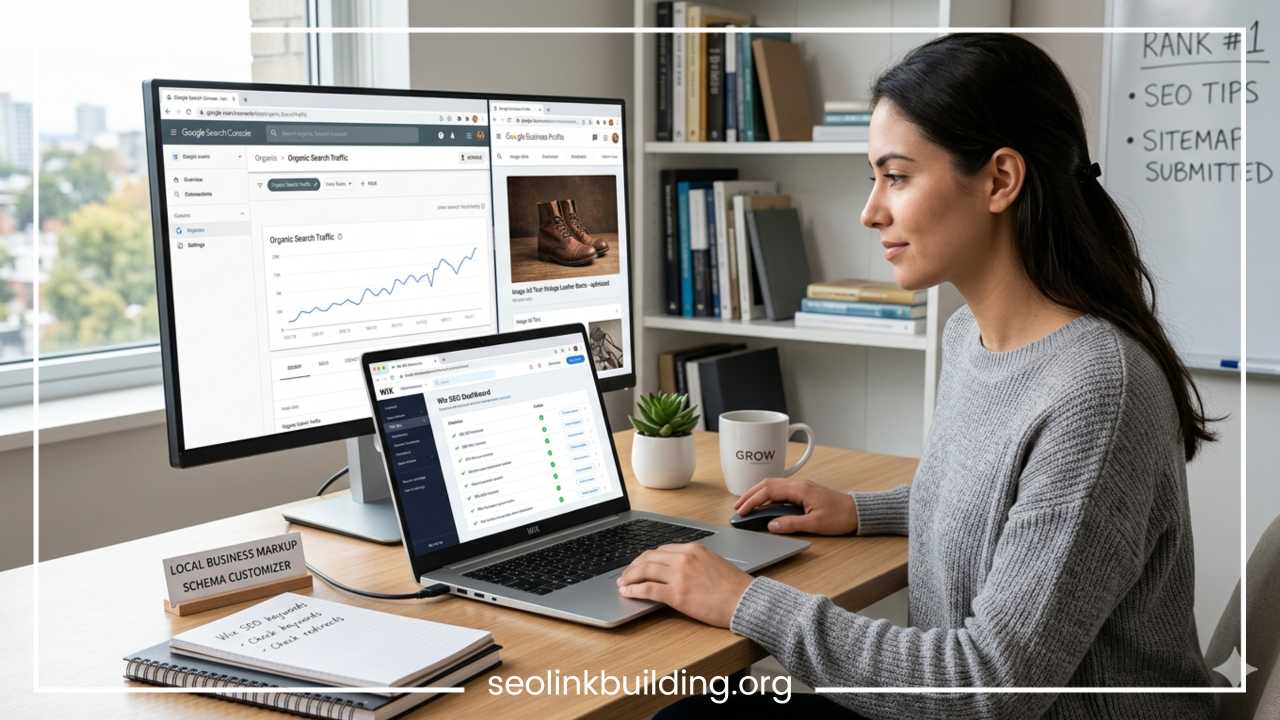
If your business serves a specific geographic area, optimizing for local search is incredibly valuable. Make sure your complete business name, physical address, and phone number are displayed clearly in your website’s footer. Add a local business schema map to your homepage, and build localized content pages that reference neighboring towns or regional landmarks. This tells search algorithms exactly where you operate, helping you appear in local map packs and regional search results.
Track Rankings and Traffic
Optimization is an ongoing process of monitoring, adjusting, and refining your approach. Use Google Search Console regularly to check which search queries are driving traffic to your pages and identify any crawl errors. Monitor your user engagement trends inside Google Analytics to see which content keeps visitors on your site longest, and use that data to continuously improve your pages over time.
Common Wix SEO Mistakes to Avoid
Even with a robust suite of tools available, simple mistakes during implementation can limit your search engine success. Avoid these common optimization errors:
-
Keyword Stuffing: Forcing your target keywords into your titles, paragraphs, and image descriptions too many times looks unnatural. This creates a terrible reading experience for visitors and can trigger search engine spam penalties. Write for real human beings first, using keywords naturally where they fit contextually.
-
Duplicate Titles and Descriptions: Reusing the exact same meta titles and descriptions across multiple pages confuses search engines and causes your own pages to compete against each other in search results. Every page must have unique metadata.
-
Ignoring Mobile Optimization: Adjusting your desktop layout without opening the mobile editor can leave you with broken designs, overlapping text blocks, or hidden navigation buttons on smaller screens, hurting your mobile rankings.
-
Not Setting Up Redirects: Deleting old pages or changing URL paths without creating a 301 redirect leaves visitors and search bots stranded on broken 404 error pages, destroying your hard-earned link equity.
-
Poor Heading Structure: Using heading tags (like H1, H2, and H3) purely for visual styling rather than organizing your content logically breaks the semantic structure of your page. Use a single H1 tag for your main page title, and use H2 and H3 tags in descending order to create a clean, readable outline of your content.
-
Large Image Sizes: Uploading uncompressed, print-quality images directly from a phone or camera slows down your page loading speeds significantly, hurting your mobile user experience and your search performance.
Wix SEO vs WordPress SEO
Choosing between website platforms often comes down to comparing how they handle search engine optimization. Both platforms are fully capable of achieving top rankings on search engines, but they approach the optimization process with very different philosophies.
| SEO Capability Focus | Wix Native Infrastructure | WordPress Ecosystem Approach |
| Initial Setup Experience | Built-in, guided setup checklists requiring zero external installations. | Requires researching, installing, and updating third-party plugins. |
| Maintenance & Security | Core security patches and system updates are managed automatically. | Manual updates required for themes and plugins to prevent security risks. |
| Technical Customization | Accessible via structured dashboard menus and advanced settings panels. | Unlimited access to core server configuration files and database files. |
| Target Audience Fit | Ideal for small businesses, creators, portfolios, and growing brands. | Tailored for large enterprises and highly complex web applications. |
WordPress provides deep, unrestricted access to code and database configurations. This makes it highly popular among advanced developers who need to build custom site architectures or manage massive websites with tens of thousands of pages. However, this flexibility means the user is entirely responsible for site speed optimization, server settings, plugin updates, and security patches.
Wix offers a more managed, integrated approach. It provides all the necessary technical controls—including custom schema, sitemaps, canonical tags, and redirects—built right into an intuitive, user-friendly interface. While you do not have direct access to modify underlying server code, the platform handles all the core technical maintenance and security in the background. This makes it an excellent choice for users who want to focus on creating great content and growing their business without managing complex website infrastructure.
Final Thoughts / Conclusion
The native suite of optimization tools provides a powerful, reliable foundation for achieving competitive organic visibility across all major search networks. The platform has successfully shed its past technical limitations, offering a modern system that balances beginner-friendly automation with sophisticated technical configuration options for advanced users.
By taking a structured approach—starting with the foundational checklist, utilizing the guided setup wizard, and taking control of advanced page settings like structured data and redirect management—you can build a highly visible online presence. Success in search engine optimization does not come down to the specific platform you choose; it depends on your commitment to thorough keyword research, clean site organization, fast performance, and the consistent publication of high-quality content that truly serves your audience.
Frequently Asked Questions
Is Wix good for SEO for small business websites?
Yes, the platform is highly effective for local and small business web properties. It natively handles standard technical requirements like automated sitemap updates, schema configurations, and secure sockets layer (SSL) certificates, allowing small enterprise owners to compete for competitive local keywords without hiring an external engineering agency.
How do I submit a Wix sitemap to Google Search Console?
You can map and submit your sitemap seamlessly using the platform’s native integration hub. Navigate to your site dashboard, select the marketing checklist or SEO settings panel, and connect your site directly to your verified Google Search Console profile. This automatically verifies your ownership and pushes your dynamic XML file directly to Google for rapid index evaluation.
What is the difference between Wix SEO Wiz and advanced settings?
The initial setup wizard acts as a primary, rule-based walkthrough to secure baseline configurations like homepage optimization, business data entry, and manual metadata generation for foundational pages. The advanced settings tab goes much deeper, providing customized portals for structural URL modifications, custom JSON-LD structured data creation, global metadata pattern rules, and individual 301 redirect management.
Can a Wix website rank on the first page of Google?
Absolutely. Modern search engine ranking factors prioritize the informational depth of your content, search intent fulfillment, user engagement signals, mobile responsive design, and quality backlink integration. Because the technical architecture matches standard web rules, any site using these features alongside strong content strategies can rank at the absolute top of search engine result pages.
Is Wix better than WordPress for beginner SEO optimization?
For users lacking software development experience, the platform offers a far smoother introductory experience. WordPress requires manual installation, security management, and frequent version maintenance for third-party optimization extensions, which can cause feature conflicts. This native dashboard bundles all critical optimization settings into single, easy-to-read panels that require zero code handling.
How do I add custom schema markup to a Wix page?
To inject specific structured data paths, go to the SEO settings layout for your chosen page and locate the Advanced tab. Under the Structured Data sub-menu, you can click to add new item parameters and paste your custom JSON-LD code block directly into the code field. This allows you to apply specialized markers like local event tags, software specifications, or unique product reviews directly.
Why is my Wix website not indexing on Google search results?
If your web property is missing from search listings, first verify that your “Site Visibility” toggle inside your system settings dashboard is switched on. If this option is active and your site is still invisible, ensure you have removed any custom manual block rules from your robots.txt file, and use the Google Search Console inspect tool to verify that you are not accidentally pointing a canonical tag to an incorrect master URL.