Wix and SEO: 10 Steps to Optimize Your Wix Website

Wix and SEO: The Ultimate Guide to Ranking #1
Search engine optimization is the foundation of long-term digital growth. For businesses, bloggers, and creators alike, appearing on the first page of Google can mean the difference between a thriving online presence and an invisible website. When building a website, choosing the right platform is only the first part of the equation. The real challenge lies in ensuring that your platform of choice can compete effectively in modern search engine result pages.
For years, a persistent myth circulated through the digital marketing community suggesting that Wix was inherently bad for search engine optimization. Early iterations of the platform relied heavily on Flash technology and complex code structures that presented challenges for search engine crawlers. However, the modern web design ecosystem has changed completely. The platform has undergone a massive re-engineering process, introducing a robust suite of built-in search engine optimization features that rival any enterprise content management system.
Today, you have complete control over your technical, on-page, and structural search visibility. From advanced structured data implementation to customizable server-side redirects, the tools required to secure competitive rankings are fully integrated into the platform dashboard. Success no longer depends on which platform you choose, but rather on how thoroughly you execute your optimization strategy.
This comprehensive guide breaks down the exact methodology required to maximize your visibility. You will learn how to transition a standard template into an optimized, fast-loading, and highly visible website capable of competing for lucrative organic search terms. By systematically implementing these ten proven steps, you can eliminate structural errors, enhance your crawlability, and position your brand directly in front of your target audience.
Is Wix Good for SEO?
To understand whether the platform is suitable for your organic growth strategy, it is necessary to evaluate its current infrastructure objectively. The short answer is yes. The platform has evolved into an exceptionally strong contender for organic search visibility, providing an array of built-in features designed to satisfy both basic search engine demands and advanced technical requirements.
The platform provides users with seamless control over critical ranking signals. You can modify your meta titles and descriptions, establish canonical tags to prevent duplicate content issues, implement custom URL slugs, and generate automated XML sitemaps. Furthermore, the platform integrates schema markup capabilities, allowing webmasters to apply structured data directly to product pages, articles, events, and local business listings. This enables search engines to comprehend your content deeply, often resulting in rich snippets that dramatically improve click-through rates.
This functionality makes the platform highly effective for a diverse range of online projects, including:
-
Small business websites looking to establish regional dominance.
-
Independent bloggers requiring streamlined content management paired with strong indexation.
-
Local service providers targeting specific geographic search terms.
-
Professional portfolios showcasing creative work to prospective clients.
-
Mid-sized ecommerce stores requiring secure transactional infrastructure paired with clean product indexing.
While the platform offers exceptional utility, digital marketers must note its structural boundaries. Unlike open-source alternatives such as WordPress, you do not have direct access to the underlying core source code or database configurations. This limits your ability to execute highly unconventional, hyper-advanced technical modifications or hosting-level optimizations.
Additionally, because the drag-and-drop builder must accommodate endless design flexibility, some templates can carry heavier code distributions compared to a custom, hand-coded HTML site. For the vast majority of web projects, however, these factors do not restrict first-page rankings. Success is determined by content quality, keyword alignment, user experience, and authority building.
10 Steps to Optimize Your Wix Website
Optimizing your website requires a methodical approach that addresses design architecture, content strategy, data structure, and technical performance. Follow these ten sequential steps to fully optimize your online presence.
Choose the Right Wix Template for SEO
The foundation of your search engine optimization strategy begins before you write your first line of text. It starts during the template selection phase. The template you choose dictates the underlying structural hierarchy of your website, which directly influences how search engine bots crawl your pages and how users interact with your content.
When browsing the extensive template library, it is easy to become captivated by complex visual layouts, multi-layered animations, and heavy graphical elements. However, effective web design requires a careful balance between user experience and search engine accessibility. Your primary objective should be selecting a design that prioritizes mobile responsiveness, clean directional navigation, and rapid loading capabilities.
When evaluating templates for high performance, look for features such as a fluid responsive design, clear text-based navigation menus, minimal structural code, and an intuitive visual layout. Conversely, be cautious of high-risk template elements like multi-layered entrance animations, complex JavaScript sliders, mandatory full-screen videos, and fragmented layout designs.
Mobile responsiveness is no longer optional. Search engines use mobile-first indexing, meaning they evaluate the mobile version of your website to determine your organic rankings. While all modern templates are built to be mobile-friendly, some intricate designs translate poorly to smaller viewports, resulting in overlapping text elements or misaligned buttons. Choose templates that maintain an unambiguous, clean layout when reduced to a mobile screen size.
Furthermore, focus heavily on the navigation system. Search engine crawlers rely on text links to move from your homepage to deep internal pages. A template with an overly convoluted hidden menu or non-standard interactive navigation can hinder the distribution of link equity across your site. Select a template that features a straightforward, text-based main menu that clearly outlines your core offerings. Avoid templates that rely excessively on parallax scrolling effects or full-screen background videos, as these assets can slow down performance metrics and negatively impact your Core Web Vitals.
Perform Keyword Research Before Creating Pages
Attempting to optimize your website without conducting thorough keyword research is equivalent to driving to an unfamiliar destination without a map. Keyword research uncovers the exact phrases, queries, and terminology your prospective audience enters into search engines. By identifying these phrases prior to writing your content, you can tailor your information architecture to match real-world market demand.
To build a reliable keyword foundation, utilize established platforms such as Google Keyword Planner, Ahrefs, Semrush, or Ubersuggest. Begin by listing broad terms associated with your business or industry. If you operate an agency specializing in search engine optimization services within a major metropolitan hub, your foundational terms might include digital marketing, search optimization, or web traffic growth.
Input these core terms into your research tools to uncover specific keyword variations, noting their monthly search volumes and keyword difficulty scores. Your objective is to isolate a mixture of high-volume primary keywords and highly specific long-tail keywords.
A primary keyword represents the main overarching topic of a page, whereas secondary and long-tail keywords represent subtopics or specific questions related to that main theme. Long-tail phrases generally exhibit lower search volumes but demonstrate much higher conversion intent because the searcher is further along in the decision-making process.
For instance, consider a localized targeting approach. Instead of aiming exclusively for the hyper-competitive term web optimization, a firm located in a major commercial center would find substantial value in targeting a localized long-tail variation such as “Wix SEO services in Mumbai”.
This phrase indicates exactly what the user is seeking and where they are located. When your content precisely answers this specific query, search engines can easily recognize your page as the definitive solution, increasing your chances of capturing a top position. Always ensure that the user intent behind your chosen keywords aligns perfectly with the content you plan to create. If a user searches for a transactional service, your page must deliver clear commercial clarity, rather than a generic informational essay.
Optimize Your Page Titles and Meta Descriptions
Once you have identified your target keywords, you must place them strategically within your website’s meta tags. Page titles (commonly referred to as title tags) and meta descriptions are the first points of contact between your website and a user browsing search results. They serve as your digital storefront window, informing both search engines and humans exactly what your page is about.
A well-crafted title tag must place your primary keyword near the beginning of the string to signal relevance immediately to search crawlers. Additionally, incorporating an emotional trigger or value proposition encourages users to click your link instead of a competitor’s. To ensure your titles do not become truncated in search engine result pages, limit them to 60 characters.
Meta descriptions do not act as direct ranking factors, but they hold immense value as click-through rate accelerators. A descriptive, persuasive meta description summarizing the page’s unique value can drastically improve your traffic volume. Keep your meta descriptions under 160 characters and ensure they conclude with a clear call to action.
To look at this in practice, an unoptimized home page setup might use a generic title like “Home Page” with a weak meta description such as “Welcome to our website. We offer various services for clients.” In contrast, a fully optimized setup would feature a target-rich title like “Wix SEO Services in Mumbai | Boost Your Organic Traffic” paired with an actionable meta description like “Looking to increase your Google rankings? Discover professional Wix SEO services in Mumbai. Get a free website audit and grow your business today!”
The platform makes updating these elements straightforward. Inside your dashboard, navigate to the specific page settings and open the SEO Basics tab. Here, you will find dedicated input fields for your page title and meta description. The tool provides a live preview showing how your snippet will appear on desktop and mobile screens, allowing you to fine-tune your messaging before deployment.
Use SEO-Friendly URLs
A clean, logical URL structure benefits both automated web crawlers and human visitors. Search engines use URLs to grasp the thematic relationship between different pages, while users rely on them as navigational breadcrumbs that verify their current location within a website’s directory structure.
An optimized URL should be brief, descriptive, and easy to read. It should clearly indicate the topic of the underlying page without incorporating unnecessary fillers, random parameters, numbers, or symbols. When configuring your page slugs, ensure you separate individual words with standard hyphens rather than underscores or spaces.
Consider the following contrasting examples:
-
Unoptimized URL structure:
[yourdomain.com/site-page-version2/id=987342](https://yourdomain.com/site-page-version2/id=987342) -
Optimized URL structure:
[yourdomain.com/wix-seo-guide](https://yourdomain.com/wix-seo-guide)
The first example provides no contextual value to a search engine bot attempting to catalog the page, and it appears untrustworthy to a standard web user. The second example clearly communicates the topic of the page before the browser even finishes rendering it.
To modify your URL configurations within the platform, navigate to the Pages menu on your editor sidebar, select the settings icon adjacent to the page you wish to alter, and click on the SEO Basics tab. Locate the URL slug field and input your clean, keyword-rich phrase. If you are changing an existing page’s URL that has already been indexed by search engines, remember to implement a 301 redirect to route traffic smoothly from the old location to the new one without losing your hard-earned link equity.
Optimize Headings and Content Structure
Organizing your text content through a clear typographical hierarchy is essential for scannability and search relevance. Headings serve as structural signposts that allow search engine algorithms to comprehend the primary themes and secondary concepts contained within your body copy.
Your page should feature a single, distinct H1 tag that acts as the primary title of the content. This H1 tag must incorporate your main keyword and accurately summarize the main theme of the document. Subdividing your content further requires using H2 and H3 tags sequentially to organize subtopics, supporting arguments, or step-by-step instructions.
A clean heading framework follows a strict structural chain. The main page title uses an H1 tag. Underneath that, major thematic shifts are introduced using H2 subheadings. If an H2 section requires deeper granular breakdown, those smaller components are nested beneath H3 subheadings.
This structured approach is highly valuable for capturing featured snippets—those prominent informational blocks highlighted by Google at the absolute top of search results. When you structure your subheadings clearly and follow them immediately with direct, well-formulated answers, search engine systems can easily extract your text to answer specific user queries.
When developing your content, ensure your writing remains natural and readable. Avoid keyword stuffing, which involves artificially forcing target phrases into your paragraphs repeatedly. Instead, focus on providing deep topical coverage.
If you choose to use AI-assisted tools to help draft your initial copy, review the output carefully to remove generic phrasing, repetitive syntax, or factual errors. Search engines favor authoritative, original text that addresses user intent comprehensively. Format your text using short paragraphs, bulleted lists, and bold emphasis on key concepts to make it highly scannable for users.
Improve Wix Website Speed
Website performance is an explicit ranking factor across all primary search engines. Modern consumers expect web pages to render almost instantly; if a page takes more than a few seconds to load, bounce rates skyrocket. Slow performance harms your user engagement metrics and signals to search engines that your site provides a substandard user experience.
To evaluate your current performance capabilities, run your URL through performance diagnostics tools such as Google PageSpeed Insights or GTmetrix. These diagnostic platforms analyze your site speed and evaluate your performance based on Core Web Vitals—a specialized set of metrics that measure loading speed, visual stability, and interactivity.
Key Core Web Vitals parameters include Largest Contentful Paint, which evaluates loading speeds and should ideally clock in under 2.5 seconds. First Input Delay monitors responsiveness to user actions and should stay under 100 milliseconds. Finally, Cumulative Layout Shift gauges overall visual stability, with a targeted ideal metric score under 0.1.
While the platform manages server-side speed delivery automatically, you have total control over client-side asset management. To speed up your loading times, apply these optimization strategies:
-
Compress large media files before uploading them to your media manager.
-
Avoid using excessive tracking scripts, heavy widgets, or redundant third-party applications.
-
Replace vintage JPEG or PNG graphics with efficient WebP file formats.
-
Minimize full-width video sections on your mobile viewports.
The platform includes built-in optimization layers that compress images automatically and serve assets via Global Content Delivery Networks. However, overloading your pages with complex interactive components can still degrade loading speeds. Prioritize design simplicity to ensure your site loads quickly on mobile networks.
Optimize Images for SEO
Search engines are highly sophisticated, but they cannot read the visual contents of an image file without contextual assistance. Image optimization acts as a translation layer, enabling search engine crawlers to interpret your graphics accurately while opening up a secondary stream of organic traffic via image search results.
The most critical step in image optimization is crafting descriptive image alt text (alternative text). Alt text provides a textual description of an image for search engine crawlers and visually impaired users employing screen-reading software. Your alt text should be descriptive, clear, and contextually relevant to the surrounding page content.
Consider the following unoptimized approach:
-
File Name:
DCIM_PHOTO_0012.png -
Alt Text Description:
image
Now consider the optimized approach:
-
File Name:
wix-seo-dashboard-settings.png -
Alt Text Description:
Step by step tutorial showing the Wix SEO dashboard settings menu
The optimized example uses clear descriptive language and naturally includes relevant secondary keywords without forcing them.
Beyond alt text, rename your raw image files before uploading them to your media asset library. Use clear, descriptive file names that describe the image content, separating words with hyphens. This upfront preparation reinforces the topical relevance of your page and helps your assets place prominently within image search directories.
Set Up Wix SEO Tools and Google Integrations
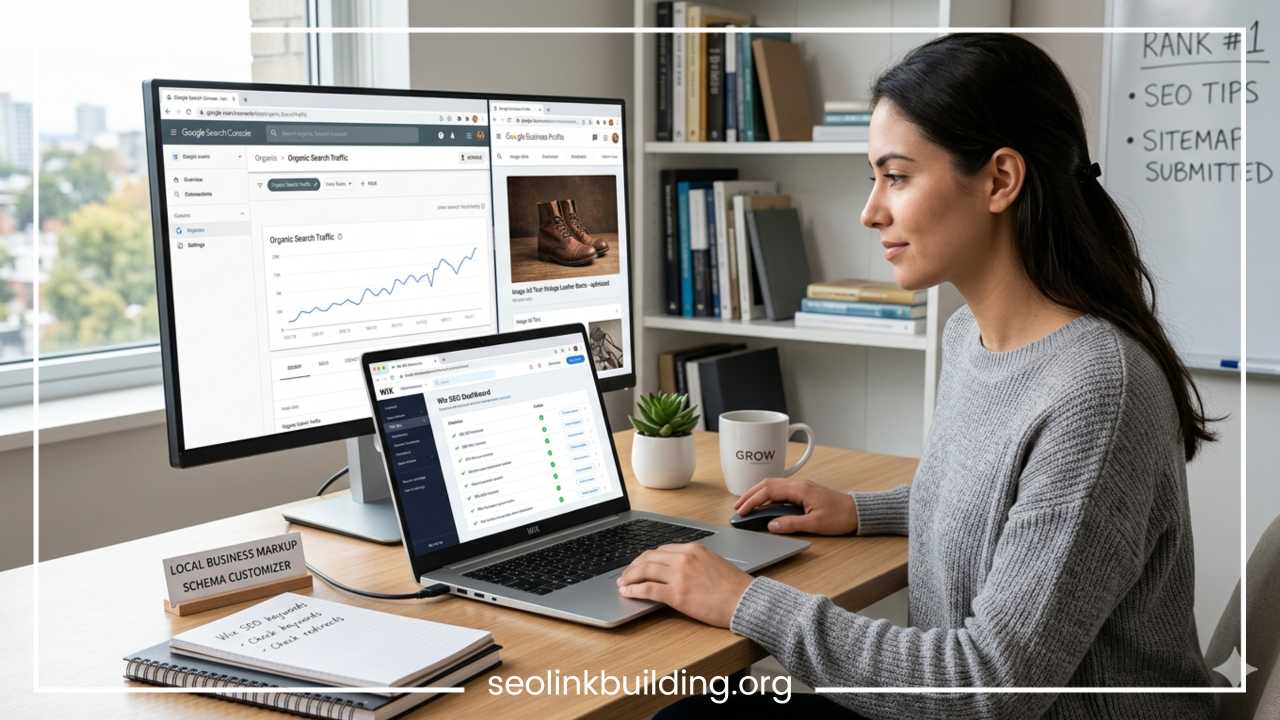
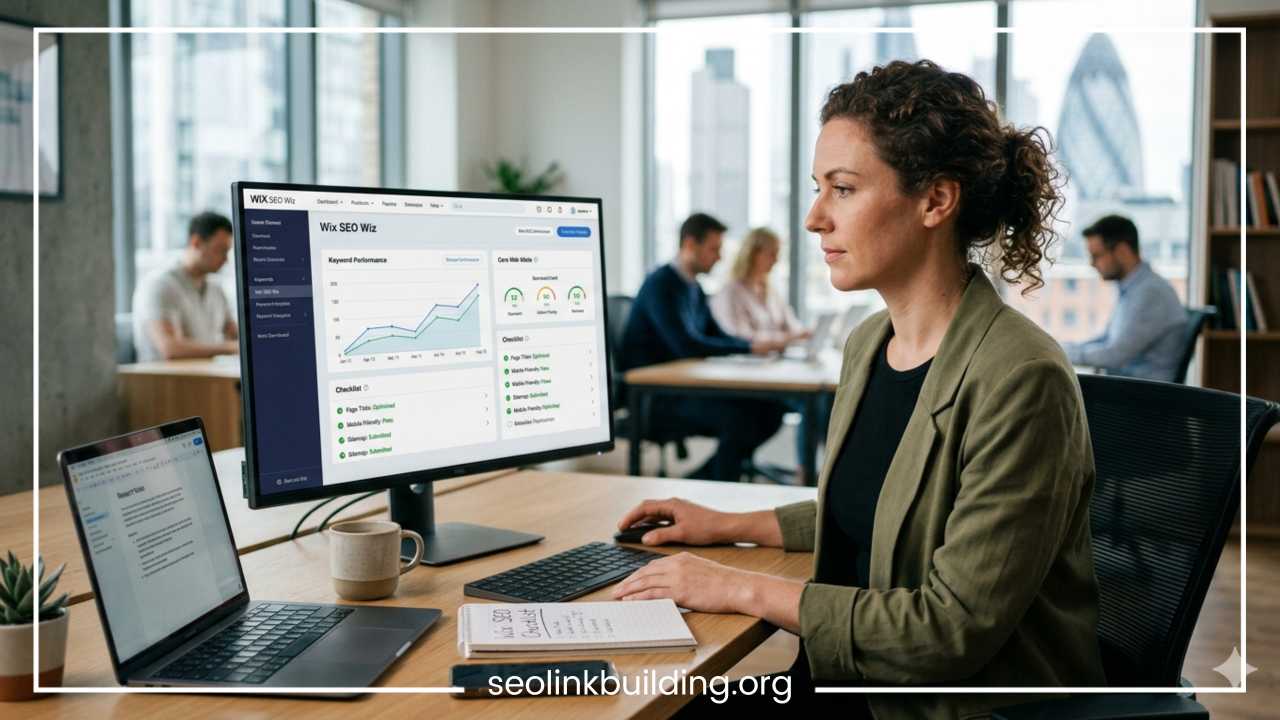
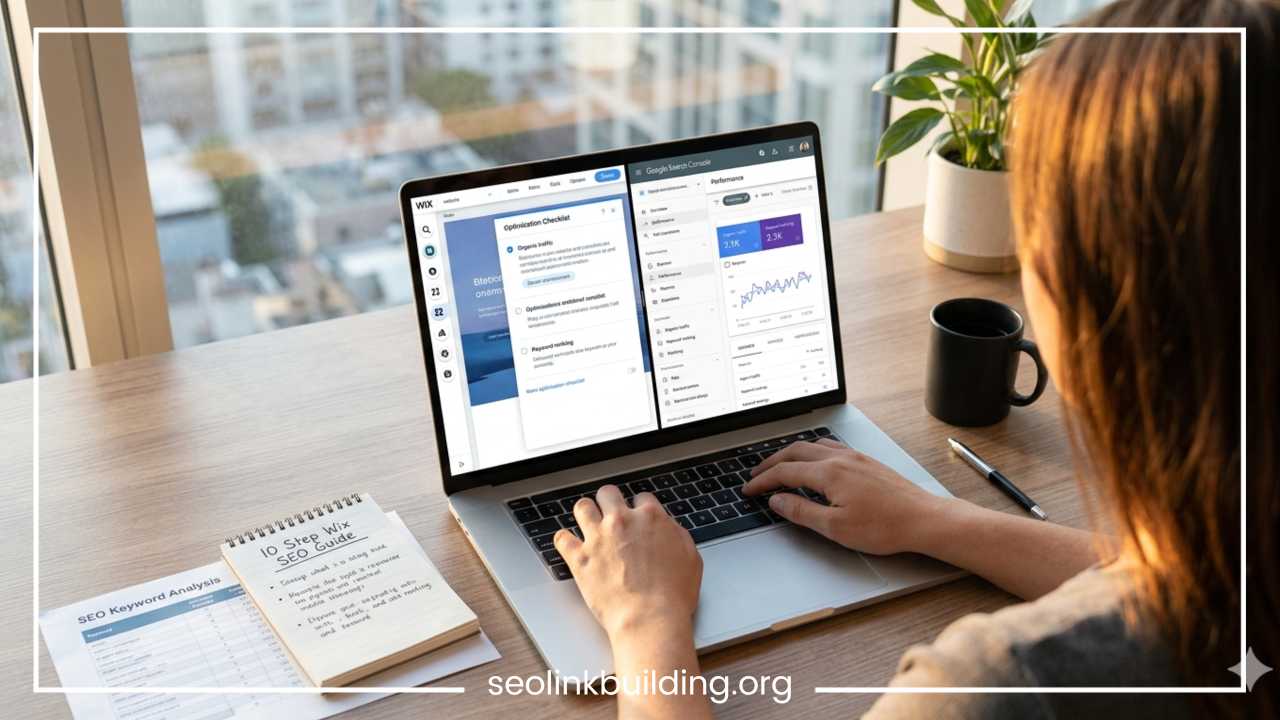
One of the platform’s standout features is its integrated optimization ecosystem, which simplifies connecting your site to major search diagnostic channels. The Wix SEO Setup Checklist provides a tailored optimization plan based on your business category, physical location, and targeted keywords.
Through the backend interface, users gain access to a streamlined, direct verification pipeline with Google Search Console. This configuration allows you to track emerging indexing issues, review targeted keyword clicks, analyze desktop search impressions, and push immediate site updates out for automated review.
This checklist guides you through the foundational steps required to verify your site with Google Search Console and Google Analytics. This integration process can be executed directly from your site dashboard with just a few clicks.
Google Search Console serves as your primary diagnostic tool, allowing you to monitor indexing status, track keyword impressions, and identify crawl errors. Google Analytics provides deeper insight into user behavior, traffic sources, and conversion actions.
Once your custom domain name is linked and verified, the platform automatically generates a comprehensive XML sitemap. An XML sitemap acts as an architectural blueprint of your website, listing every active URL to ensure search engines can locate and index your content efficiently.
The platform also creates a standardized robots.txt file, which guides search crawlers toward your valuable content while blocking access to sensitive utility directories. To expedite your organic visibility, copy your auto-generated sitemap URL from your dashboard and submit it directly to the Sitemaps section within Google Search Console. This tells search engine bots to crawl and index your fresh content immediately.
Build Internal Links and Backlinks
Search visibility depends heavily on your site’s authority and architectural connectivity. To establish structural authority, you must focus on building a cohesive internal linking structure while earning authoritative backlinks from external platforms.
Internal linking is the practice of hyperlinking pages within your own domain. This technique distributes authority across your site and helps search engine bots discover new pages while extending user session lengths. For example, if you write a comprehensive guide exploring content strategies, you should link to it from your main services page or related blog posts. Use clear, descriptive anchor text for your internal links, and ensure the hyperlinked text naturally describes the destination page.
The total authority of your site is managed through a multi-tier pipeline. First, external industry websites provide backlink trust signals directly to your major informational hub pages. From there, your structured internal hyperlinks distribute that incoming link equity down into your deep service pages, elevating the rank potential of your entire domain.
Backlinks—hyperlinks pointing from an external website back to your domain—serve as digital endorsements. Search engines view backlinks from reputable, contextually relevant sites as votes of confidence, which can significantly boost your organic rankings.
Earning high-quality backlinks requires deliberate effort and outreach. Focus on these core link-building strategies:
-
Author high-quality guest contributions for prominent industry publications.
-
Submit your business details to respected regional commercial registries and local directories.
-
Partner with complementary, non-competitive service providers to share informational resources.
-
Monitor source request networks to offer expert quotes to journalists and media outlets.
Prioritize link quality over absolute volume. A single backlink from an established, highly trusted educational or industry-specific domain will provide significantly more ranking power than dozens of low-quality links from obscure web directories.
Optimize for Mobile SEO and User Experience
With mobile devices driving the majority of global web traffic, optimizing the mobile experience is vital for search engine success. Because Google utilizes mobile-first indexing, any usability obstacles present on your mobile layout can directly hurt your desktop search rankings.
The platform provides a dedicated Mobile Editor interface, allowing you to fine-tune your mobile layout without affecting your desktop design. This specialized workspace gives you complete control over how your content scales across smaller viewports.
To maintain structural health on mobile layouts, audit your site against these mobile design parameters:
-
Ensure all interactive touch targets measure a minimum of 48 by 48 pixels with clean padding.
-
Maintain body copy text sizes at a minimum threshold of 16px to prevent user zooming issues.
-
Streamline the top navigation layout to preserve immediate readability.
-
Eliminate intrusive, full-screen pop-up advertisements that block access to primary information text blocks.
These visual details directly impact key user engagement metrics such as bounce rate and dwell time. When users arrive on your mobile site and find an intuitive, fast-loading, and easy-to-navigate layout, they tend to stay longer and consume more content. Search engines interpret this positive behavior as a strong indicator of content quality, helping sustain your high organic rankings over time.
Common Wix SEO Mistakes to Avoid
Even with the platform’s robust built-in toolset, simple configuration mistakes can derail an optimization campaign. Being aware of these common pitfalls can save you time and preserve your organic traffic.
Managing mistakes requires swapping old unoptimized procedures for clean, modern standard actions. For example, rather than stuffing exact primary keywords repeatedly into paragraphs, write natural body copy. Instead of copying direct block text from competitors, publish entirely original insights. Do not use raw camera image file names; rename all media assets using descriptive lowercase words separated by hyphens. Finally, instead of relying on broken or outdated active URLs, implement precise 301 server-side redirects.
First, avoid keyword stuffing. Artificially repeating target keywords in your headings and body text damages readability and can trigger search engine spam filters. Write for human readers first, integrating your target terms naturally where they fit contextually.
Second, never publish duplicate or plagiarized content. Search engines prize original, high-value information. Copying text from other sites or duplicating your own copy across multiple internal pages can dilute your search visibility.
Third, avoid leaving your media assets unoptimized. Uploading raw image files without clear alt text or descriptive names wastes an opportunity to capture valuable traffic via image search results.
Fourth, don’t change your page URLs without setting up proper redirects. If you modify an active page slug, implement a 301 redirect immediately. This routes traffic smoothly and ensures you don’t lose your existing ranking signals or land users on a broken 404 page.
Finally, avoid over-animating your web design. While decorative visual effects look interesting, cluttering your site with too many moving elements can hurt your loading speeds and damage your Core Web Vitals metrics.
Final Thoughts
The idea that the platform is structurally unsuited for search engine optimization is an outdated myth. Today, the platform provides a highly capable, modern optimization infrastructure that gives you full control over your technical, on-page, and localized search visibility. From advanced structured schema deployment to instant indexation tools, you have everything required to secure top organic rankings.
However, remember that search engine optimization is an iterative process, not a one-time configuration task. A well-optimized technical setup simply provides the foundation; long-term organic success requires a commitment to publishing exceptional content, monitoring performance diagnostics, and building authentic domain authority.
Instead of trying to optimize your entire website in a single afternoon, focus on a methodical approach. Start by optimizing your core transactional pages, refining your primary title snippets, and resolving any image formatting issues. From there, build out a comprehensive content calendar, connect your search diagnostics channels, and systematically grow your online footprint one high-value page at a time.
Frequently Asked Questions
How to optimize Wix website for Google?
Optimizing your website for Google requires completing the built-in Wix SEO Setup Checklist, connecting your domain to Google Search Console, and submitting your XML sitemap. Once the technical foundation is secure, focus on updating your page title tags and meta descriptions with targeted keywords, ensuring your heading structure uses a logical hierarchy, and publishing original, high-quality content that thoroughly answers the search intent of your target audience.
What are the best SEO settings for Wix?
The best settings involve navigating to the SEO Basics tab for every individual page on your site. Ensure the URL slug is short and hyphen-separated, place your primary keyword at the beginning of your page title (under 60 characters), and write an actionable meta description (under 160 characters). Additionally, utilize the advanced SEO settings to apply structured schema markup for products, articles, or local business data to help search engines understand your site better.
Is Wix SEO beginner friendly compared to WordPress?
Yes, the platform is highly beginner-friendly because it centralizes all essential technical optimization tasks within an intuitive dashboard interface. Unlike WordPress, which often requires sourcing, installing, and updating multiple third-party plugins like Yoast or Rank Math, this platform includes built-in tools for XML sitemaps, robots.txt management, canonical tagging, and 301 redirects right out of the box, requiring zero coding knowledge.
How do I check my Wix website speed for mobile?
You can check your mobile site speed by inputting your live URL into external performance diagnostic platforms like Google PageSpeed Insights or GTmetrix. These tools analyze your page based on real-world Core Web Vitals metrics, such as Largest Contentful Paint and Cumulative Layout Shift. To ensure high mobile performance scores, compress your images into WebP formats, eliminate heavy background video sections on mobile viewports, and limit the use of excessive third-party apps or tracking scripts.
Can a Wix website rank high for local search terms?
Absolutely. The platform is highly effective for local search visibility. To rank high for regional terms, ensure your physical business location, phone number, and operating hours are explicitly stated on your contact page. Use the integrated settings to connect your site directly to your Google Business Profile, and craft targeted long-tail content centered around location-specific phrases, such as local service offerings paired with your city or commercial neighborhood name.