How Do I Create a Website for My Business?


How Do I Create a Website for My Business? A Step-by-Step Guide
In the modern marketplace, a business without a website is often a business that does not exist in the eyes of the consumer. The digital landscape has shifted from being an optional luxury to the primary arena where commerce, networking, and brand building occur. Whether you are running a local boutique, a global consulting firm, or a specialized eCommerce store, your website serves as your digital storefront, open twenty-four hours a day, seven days a week. It provides immediate credibility, ensuring that when a potential customer searches for your services, they find a professional presence rather than a blank page or an outdated social media profile.
Beyond mere visibility, a website is a powerful engine for sales and lead generation. It allows you to control the narrative of your brand, showcase your unique value proposition, and capture customer data that can be used for long-term marketing. This guide is designed to take you through the comprehensive process of building a professional website from the ground up. We will cover everything from the initial goal-setting phase to the technical nuances of SEO and long-term maintenance. By the end of this article, you will have a clear roadmap to launch a digital platform that not only looks great but also drives tangible business results.
It is important to recognize that websites come in many forms. A service-based business might prioritize a booking system and testimonial pages, while an eCommerce store will focus on product galleries and secure payment gateways. A portfolio site for a freelancer or artist will lean heavily into visual aesthetics, whereas a blog-focused site might prioritize readability and content distribution. Regardless of your specific niche, the fundamental building blocks of a successful website remains the same.
Define Your Website Goals
Before you touch a single line of code or pick a design template, you must define exactly what you want your website to accomplish. A website without a goal is like a ship without a rudder; it may look impressive, but it will not get you where you need to go. Your goals will dictate every subsequent decision you make, from the platform you choose to the way you write your headlines.
For many businesses, the primary goal is direct sales through an online store. For others, the website serves as a lead generation tool, where the objective is to get a visitor to fill out a contact form or sign up for a newsletter. You might also want a site that functions primarily as an information hub to reduce the volume of customer service calls, or a platform to book appointments and consultations.
To be effective, your goals must be specific. A vague goal like “I want more customers” is difficult to track. A clear goal would be “I want to generate twenty qualified leads per month via my contact form” or “I want to sell five hundred units of my flagship product through the online store.” When you have a specific target, you can align your design and content to lead the user toward that action. For instance, if lead generation is the priority, your phone number and contact form should be prominent on every page, rather than hidden in the footer.
Choose the Right Type of Website
The structure and functionality of your site depend heavily on its core purpose. Understanding the different types of websites will help you choose the right tools and avoid paying for features you do not need.
A standard business website acts as a digital brochure. It typically includes information about the company, services offered, and contact details. This is ideal for local service providers like plumbers, lawyers, or landscapers who need a professional presence but do not necessarily sell products directly online.
An eCommerce store is more complex. It requires product catalogs, shopping carts, inventory management systems, and secure payment processing. This type of site is necessary if you intend to ship physical goods or sell digital downloads.
A portfolio website is a curated gallery of work. It is the go-to choice for photographers, writers, graphic designers, and architects. The focus here is on high-quality visuals and case studies that demonstrate expertise.
Finally, a content-driven site or blog is designed for high-volume publishing. This is useful for businesses that rely on inbound marketing and SEO to attract an audience through educational or entertaining articles. When choosing your type, consider scalability. You might start as a simple service site, but if you plan to sell merchandise in the future, you should choose a platform that allows for easy expansion into eCommerce.
Pick a Domain Name
Your domain name is your address on the internet. It is often the first thing people see, and it plays a significant role in your branding and search engine rankings. A good domain name should be short, easy to spell, and easy to remember. Ideally, it should be your business name. If your business name is already taken, you may need to get creative by adding a keyword or a location, but avoid using hyphens or numbers, as these are difficult for users to remember and often look unprofessional.
The extension of your domain, such as .com, .net, or .org, also matters. The .com extension is still the gold standard because it is what most users instinctively type. However, if you are targeting a specific country, a local extension like .in or .co.uk can be beneficial for local SEO.
There are several tools available, such as Namecheap or Google Domains, where you can check the availability of a name. If your preferred name is taken, do not settle for something overly complicated. A domain like “BestNewYorkPizza.com” is much better than “NY-Pizza-4-U.net.” Remember that your domain is a long-term asset; changing it later can be a technical headache and can hurt your search engine rankings, so choose wisely from the start.
Select a Website Platform
Choosing the right platform is one of the most critical technical decisions you will make. You generally have three paths: a website builder, a Content Management System (CMS), or custom development.
Website builders like Wix or Squarespace are excellent for beginners. They offer drag-and-drop interfaces that allow you to build a site visually without knowing any code. They are “all-in-one” solutions, meaning the hosting and security are included in your monthly subscription. The downside is that they can be less flexible for complex, custom features as your business grows.
Content Management Systems, with WordPress being the most prominent example, offer a middle ground. WordPress powers a significant portion of the internet and is highly customizable through thousands of plugins and themes. It is excellent for SEO and scalability. However, it has a steeper learning curve than a visual builder and requires you to manage your own hosting and updates.
Shopify is the leading platform specifically for eCommerce. If your primary goal is selling products, Shopify provides a robust, secure, and user-friendly environment designed specifically for retail.
Custom development involves hiring a programmer to build a site from scratch using languages like HTML, CSS, and JavaScript. While this offers total control, it is rarely necessary for small to medium businesses and can be prohibitively expensive. For most, a CMS like WordPress or a builder like Squarespace provides the perfect balance of ease and functionality.
Get Web Hosting
If the domain name is your address, web hosting is the physical space where your website’s files live. Every website needs a host to be accessible on the internet. When choosing a hosting provider, you should prioritize speed, uptime, and customer support. A slow website frustrates users and is penalized by search engines.
There are different types of hosting to consider:
-
Shared Hosting: The most affordable option where you share a server with other websites. This is fine for low-traffic business sites.
-
VPS (Virtual Private Server): A middle ground that provides more dedicated resources and better performance.
-
Dedicated Hosting: You have an entire server to yourself. This is for high-traffic, enterprise-level sites.
-
Cloud Hosting: Offers great scalability by using a network of servers to host your site.
For beginners, managed WordPress hosting or reputable providers like Bluehost or SiteGround are popular choices because they offer one-click installations and specialized support. Ensure your host provides an SSL certificate, which is essential for security and for showing the “lock” icon in the browser address bar.
Plan Your Website Structure
Before diving into design, you need a blueprint. This is often called a sitemap. A clear structure helps users navigate your site and helps search engines understand your content. Think about the journey you want a user to take.
Most business websites need at least five core pages:
-
Home: The “elevator pitch” that explains what you do and who you serve.
-
About: The story behind the business, which builds trust and humanizes your brand.
-
Services or Products: Detailed information about what you are selling.
-
Contact: Multiple ways to reach you, including a form, an email, and a physical address if applicable.
-
Blog: A place for fresh content that drives SEO and establishes authority.
Keep your navigation menu simple. Users should be able to find what they are looking for within two or three clicks. If you have a lot of content, use sub-menus, but avoid cluttering the top navigation with too many options, which can lead to “decision paralysis” for the visitor.
Design Your Website
First impressions are almost entirely visual. A poorly designed website can make even the most reputable business look untrustworthy. When designing your site, prioritize user experience (UX) and user interface (UI) principles.
Mobile responsiveness is no longer optional. More than half of all web traffic comes from mobile devices. Your site must look and function perfectly on a smartphone, tablet, and desktop. Most modern templates are responsive by default, but you must test them thoroughly.
Regarding aesthetics, stick to a cohesive color scheme that reflects your brand. Use professional fonts that are easy to read; avoid overly decorative scripts for body text. High-quality imagery is also vital. Avoid generic stock photos whenever possible; original photos of your team, office, or products go much further in building trust. If you are using a template, do not be afraid to customize it to fit your branding, but resist the urge to add too many animations or “flashy” elements that can slow down the site and distract from the message.
Create High-Quality Content
Content is the reason people visit your site and the reason search engines rank it. Your copy should be written with the customer in mind, focusing on benefits rather than just features. Instead of saying “We have a 50-horsepower engine,” say “Our powerful engine helps you get the job done twice as fast.”
Every page should have a clear Call-to-Action (CTA). Whether it is “Buy Now,” “Get a Quote,” or “Subscribe,” your CTAs should be visually distinct and use persuasive language.
In addition to text, use visual content to break up walls of prose. Infographics, short videos, and high-resolution graphics can explain complex ideas more effectively than text alone. Finally, include “trust signals” throughout your content. Client testimonials, industry certifications, and logos of companies you have worked with provide social proof that reassures new visitors of your credibility.
Optimize for SEO
Search Engine Optimization (SEO) is the process of making your website more visible in search engine results. On-page SEO involves using relevant keywords naturally in your text, headings, and meta descriptions. A meta description is the short snippet of text that appears under your link in search results; it should be compelling enough to encourage a click.
Technical SEO is equally important. This includes ensuring your site loads quickly, has a mobile-friendly design, and uses a clean URL structure (e.g., yoursite.com/services instead of yoursite.com/p=123).
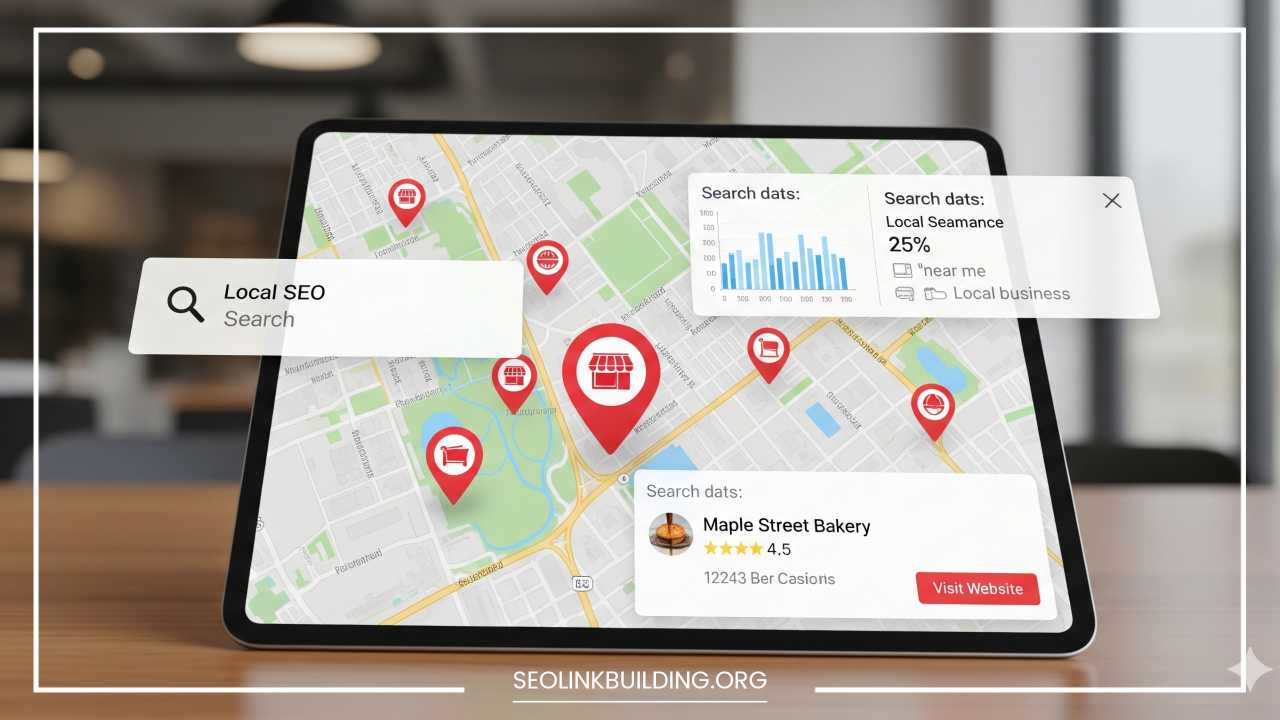
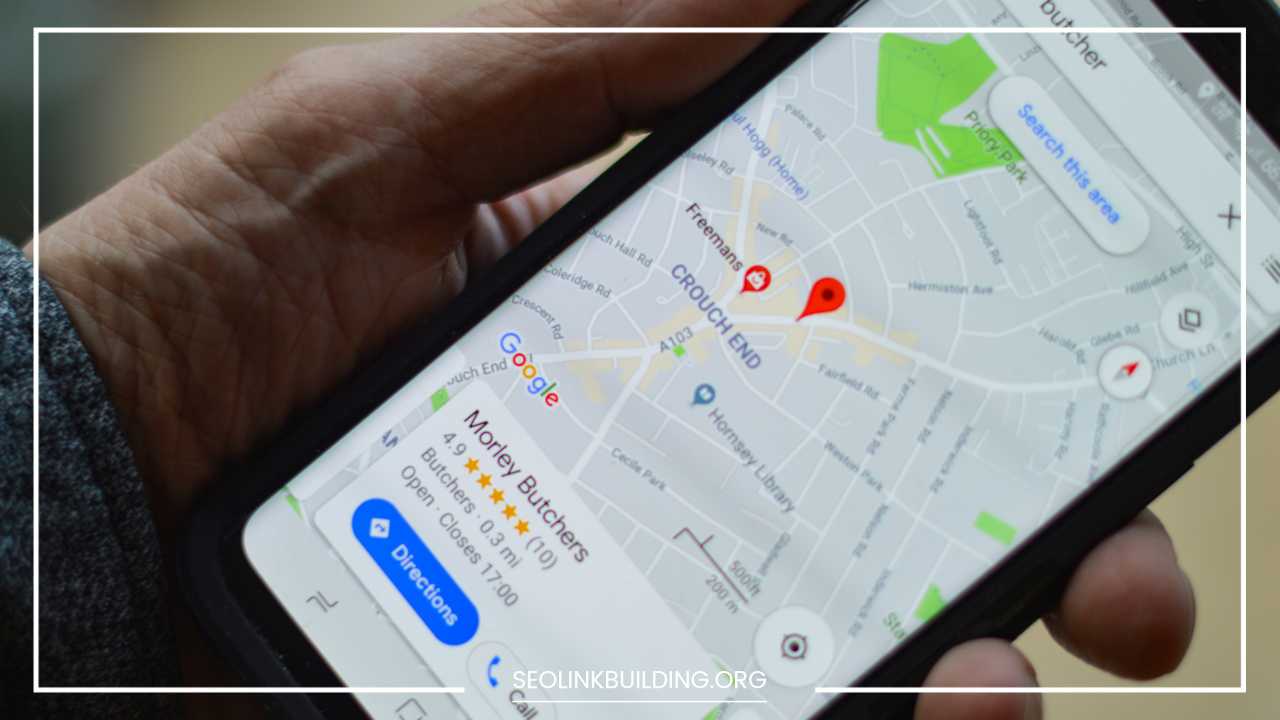
For local businesses, Local SEO is a game-changer. This involves setting up a Google Business Profile and ensuring your name, address, and phone number are consistent across the web. Use tools like Google Analytics to track where your visitors are coming from and Google Search Console to monitor how your site is performing in search results.
Add Essential Features
Once the basic pages are in place, you may need to add specific features to enhance functionality.
A contact form is essential for almost every business. It allows users to reach out without exposing your email address to spammers. If you run a service-based business, an integrated booking system (like Calendly or Acuity) can automate your scheduling.
Security is another non-negotiable feature. Ensure you have an SSL certificate (HTTPS) to encrypt data. For eCommerce, you will need a secure payment gateway like Stripe or PayPal. You might also consider social media integration, allowing users to share your content or follow your profiles directly from your site. For larger businesses, a live chat or chatbot can provide instant answers to common customer questions, improving the user experience.
Test Your Website
Never launch a website without a rigorous testing phase. What looks good on your laptop might be broken on an iPhone or a different browser like Safari or Firefox.
Start by checking every link to ensure there are no 404 errors. Test your forms to make sure the submissions are actually reaching your inbox. Check the loading speed using tools like Google PageSpeed Insights; if the site is slow, you may need to compress your images or reduce the number of active plugins.
If possible, conduct some basic user testing. Ask a friend or colleague who hasn’t seen the site to try and perform a specific task, like finding your pricing or filling out a contact form. Observe where they get stuck or confused. These small adjustments can significantly improve your conversion rate once the site is live.
Launch Your Website
The launch is an exciting milestone, but it should be handled with care. Once you have completed your checklist and are confident in the site’s performance, you will need to point your domain name to your hosting server. This process is called DNS propagation and can take anywhere from a few hours to two days.
Once the site is live, do not just wait for people to find it. Announce your launch through your existing channels. Send an email to your subscriber list, post about it on social media, and perhaps offer a “launch day” discount to encourage traffic. This initial surge of visitors is great for testing how the site handles real-time traffic and for getting immediate feedback.
Maintain and Update Your Website
A website is not a “set it and forget it” project. It requires ongoing maintenance to remain secure and effective. If you are using a CMS like WordPress, you must regularly update the core software, themes, and plugins. Outdated software is the primary way websites get hacked.
Regularly back up your website. Most hosts offer automated backups, but it is wise to keep your own copies as well. Content should also be kept fresh. An “Events” page that lists things from three years ago makes your business look stagnant. Regular blog posts or updated project galleries signal to both users and search engines that your business is active and thriving.
Promote Your Website
Launching your site is only the beginning. To see a return on your investment, you must actively promote it.
Content Marketing: Create valuable blog posts, videos, or whitepapers that answer your customers’ questions. This builds authority and improves SEO.
Social Media: Share your content on platforms where your audience spends time. Use social media to drive traffic back to specific landing pages.
Paid Advertising: If you need immediate traffic, Google Ads or social media ads (like Facebook or LinkedIn) can put your site in front of highly targeted audiences.
Email Marketing: Use your website to collect email addresses, then send regular updates to keep your brand top-of-mind.
Networking: Reach out to other businesses or industry blogs for guest posting opportunities or partnerships, which can provide valuable backlinks to your site.
Common Mistakes to Avoid
Many business owners fall into the same traps when building their first site. One of the most common is overcomplicating the design. A cluttered site with too many colors, fonts, and images is difficult to navigate and looks unprofessional. Keep it clean.
Another mistake is ignoring mobile users. If your site is hard to use on a phone, you are likely losing more than half of your potential customers.
Weak CTAs are also a major issue. If you do not tell users what to do next, they will simply leave. Every page should have a clear “next step.” Finally, do not neglect page speed. In a world of instant gratification, a site that takes more than three seconds to load will see a high bounce rate.
Cost Breakdown
The cost of a business website can vary wildly depending on your needs.
-
Domain Name: Typically costs between $10 and $20 per year.
-
Hosting: Can range from $5 per month for basic shared hosting to $50+ for managed or VPS hosting.
-
Platform Fees: Website builders like Squarespace or Shopify range from $15 to $300+ per month depending on features. WordPress software is free, but you pay for hosting, premium themes ($50–$100), and specific plugins.
-
Design/Development: If you DIY, it costs your time. If you hire a professional, a basic business site might cost $2,000 to $5,000, while a complex eCommerce site can exceed $10,000.
-
Maintenance: Budget for annual domain/hosting renewals and potentially a small monthly fee if you hire someone to handle updates and security.
DIY vs Hiring a Professional
Deciding whether to build the site yourself or hire a professional comes down to two factors: time and budget.
If you have a limited budget but plenty of time, the DIY approach is very viable today. Modern website builders have made it possible for non-technical people to create high-quality sites. This also gives you the benefit of knowing exactly how your site works so you can make quick changes yourself.
However, if your time is better spent running your business, or if you need highly specific functionality and a unique design, hiring a professional is a wise investment. A professional designer understands user psychology, conversion optimization, and technical SEO in ways a beginner might not. While the upfront cost is higher, the long-term ROI from a high-performing site often far outweighs the initial expense.
Final Thoughts
Creating a website for your business is a journey of transforming your vision into a digital reality. It starts with a clear understanding of your goals and ends with a dynamic platform that grows alongside your company. While the technical steps—choosing a domain, selecting a platform, and optimizing for SEO—are essential, the heartbeat of a great website is the value it provides to its visitors.
Do not be intimidated by the process. It is perfectly acceptable to start simple. A clean, one-page website that clearly states what you do and how to contact you is far better than a complex site that is never finished. As your business evolves, your website can evolve with it. Take the first step today by securing your domain name and outlining your core goals. The digital world is waiting for your business to arrive.
Frequently Asked Questions
How long does it take to build a business website from scratch?
The timeline for building a business website depends largely on the complexity of the project and the tools you choose. If you use a drag-and-drop website builder with a pre-designed template, you can have a basic professional site live in as little as a few days. However, for a custom WordPress site with unique features, SEO-optimized copy, and custom graphics, the process typically takes four to twelve weeks. This allows time for planning, design iterations, content creation, and rigorous testing before the official launch.
What is the cheapest way to create a website for a small business?
The most cost-effective way to create a website is the DIY (Do-It-Yourself) route using a platform like WordPress or a budget-friendly website builder. By using free or low-cost themes and writing your own content, your primary expenses will be limited to a domain name (approximately $10–$20 per year) and a monthly hosting plan (starting at $5–$10 per month). While this requires a significant investment of your time, it allows you to maintain full control over the budget without hiring outside developers.
Do I need to know how to code to build a professional website?
No, you do not need to know how to code to build a high-quality website today. Modern website builders and Content Management Systems (CMS) are designed with user-friendly interfaces that allow you to manage layouts, upload images, and write text through visual editors. If you want more advanced customization in the future, you can always learn basic HTML or CSS, but for the majority of small business owners, the “no-code” tools available are more than sufficient to create a professional presence.
How can I make my business website show up on Google search results?
To help your website reach a wider audience, you must implement Search Engine Optimization (SEO). This involves identifying the specific keywords your customers are searching for and including them in your page titles, headers, and body text. Additionally, you should focus on technical SEO, such as ensuring your site loads quickly and is mobile-friendly. Creating a Google Business Profile and gaining backlinks from reputable sites in your industry will also significantly improve your visibility in local and global search results.
Is it better to use WordPress or a website builder like Wix for a business?
The choice depends on your technical comfort level and your plans for growth. Website builders like Wix or Squarespace are ideal for beginners who want an all-in-one, intuitive solution where hosting and security are handled for them. WordPress is better for businesses that want total ownership of their data and the ability to scale with complex features. While WordPress has a steeper learning curve, its vast ecosystem of plugins makes it the most flexible option for long-term business growth.
Can I change my website platform after I have already launched?
Yes, it is possible to migrate your website from one platform to another, but it can be a complex and time-consuming process. Moving from a builder like Wix to a CMS like WordPress involves exporting your content, setting up a new host, and often redesigning the interface. It is also critical to set up proper 301 redirects to ensure you do not lose your search engine rankings during the move. Because of these challenges, it is highly recommended to choose a scalable platform from the very beginning.