eCommerce Category Page SEO: Everything You Need to Know

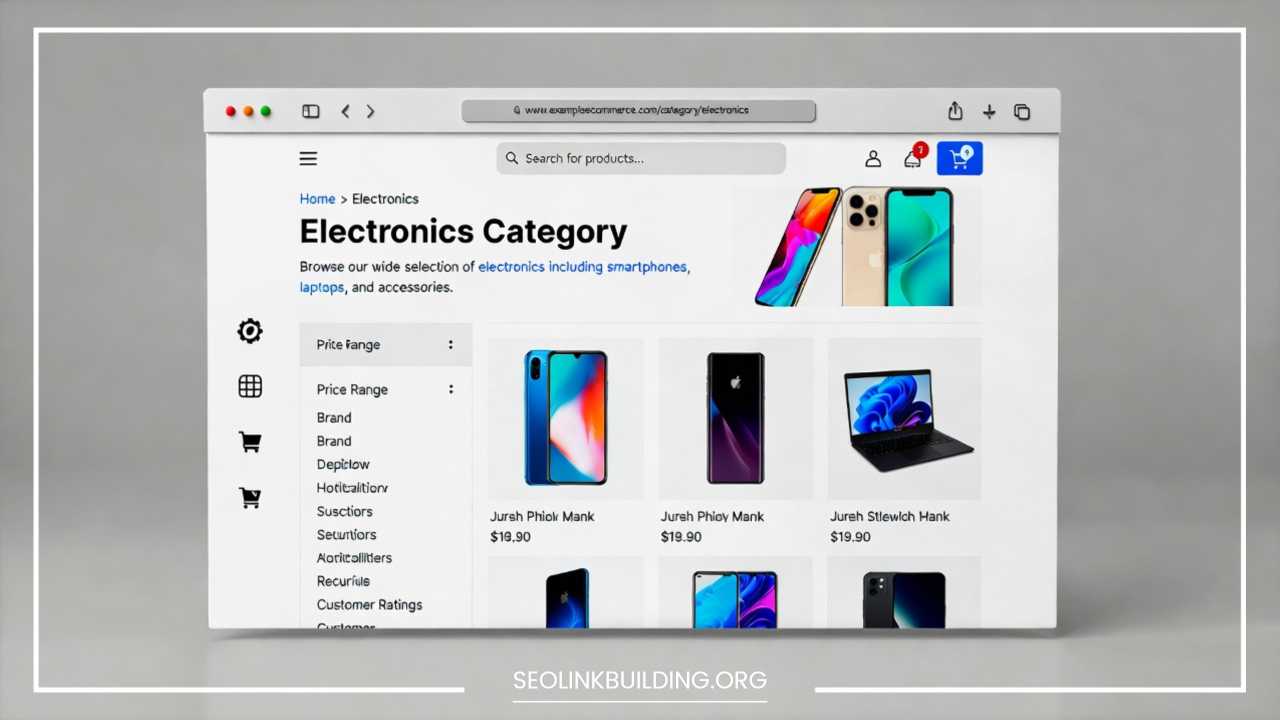
eCommerce Category Page SEO: Everything You Need to Know
In the competitive landscape of digital retail, product pages often receive the majority of design and optimization resources. Business owners spend hours perfecting product photography, refining technical specifications, and polishing “Add to Cart” calls to action. However, from a strategic search engine optimization perspective, the real powerhouses of an online store are the category pages.
These pages, often referred to as Product Listing Pages (PLPs), serve as the vital connective tissue of your website. They bridge the gap between a broad, brand-focused homepage and the highly specific, granular product pages. For most successful eCommerce sites, category pages represent the highest-traffic and highest-revenue gateways. They are the digital equivalent of a well-organized department store aisle, guiding customers toward the specific solutions they need while offering enough variety to satisfy a browsing mindset.
In this comprehensive guide, we will explore the strategy, implementation, and technical nuances required to master category page SEO. Whether you are launching a new boutique or managing an enterprise-level store with thousands of SKUs, understanding these principles is essential for sustainable organic growth.
Why Category Pages Are Critical for SEO & Revenue
To appreciate why category pages deserve a significant portion of your SEO budget, we must look at how users actually search. While a product page targets users who have already decided on a specific item (bottom-of-the-funnel intent), a category page captures users who are still in the “commercial investigation” phase.
Ranking for High-Volume Head Terms
Category pages are designed to rank for broad “head terms”—keywords that typically have much higher search volumes than specific product names. For example, far more people search for “men’s running shoes” than for a specific model like “Nike Air Zoom Pegasus 40 Size 10.” By optimizing your category pages, you position your brand in front of a massive audience that is ready to buy but hasn’t yet committed to a specific product.
Higher Conversion Rates vs. Informational Content
Many brands invest heavily in blog content to drive traffic. While blogs are great for awareness, the “distance to dollar” is much shorter on a category page. A user landing on a blog post about “how to choose a mountain bike” still needs to be convinced to click through to a shop. A user landing on a “Mountain Bikes” category page is already looking at inventory with prices and “Buy” buttons. Consequently, category pages often boast significantly higher conversion rates than top-of-funnel informational content.
The Role in Site Architecture
From a technical standpoint, category pages are the primary distributors of “link equity” or “link juice.” Because they sit high up in the site hierarchy, they naturally receive a large share of internal and external link authority. By linking down to individual products, category pages help those specific items rank better in search results. Without strong category pages, your site architecture becomes flat and disorganized, making it difficult for search engines to understand which products are your most important offerings.
Keyword Research for eCommerce Category Pages
Keyword research for a category page is fundamentally different than research for a blog or a product. You are looking for terms that imply a “plural” intent—the user wants to see a selection.
1. Understanding Search Intent
Search intent is the “why” behind a query. For category pages, the intent is almost always Commercial Investigation.
-
Transactional Intent: “Buy Sony WH-1000XM5” (Points to a Product Page)
-
Commercial Intent: “Best noise-canceling headphones” (Points to a Category Page)
-
Informational Intent: “How do noise-canceling headphones work?” (Points to a Blog)
If you try to rank a single product page for a category-level keyword, you will likely fail because Google’s algorithm recognizes that users searching for broad terms want to compare multiple options.
2. Finding Primary & Secondary Keywords
Each category should have one “Primary Keyword” and a cluster of “Secondary Keywords” or modifiers.
-
Primary: “Women’s Jackets”
-
Secondary/Modifiers: “Waterproof,” “Winter,” “Designer,” “Lightweight,” “On Sale.”
These modifiers often represent the sub-categories or filters that users care about most. If “waterproof” is a high-volume modifier, it likely deserves its own sub-category page rather than just being a filter.
3. Keyword Research Methods
-
Google Autocomplete & People Also Ask: Type your main category into Google and see what modifiers appear. These are direct reflections of real user behavior.
-
Competitor Benchmarking: Analyze top-tier retailers. If Amazon, Target, or a niche leader uses a specific naming convention for their categories, there is usually a data-driven reason for it.
-
Search Console Data: Look for “striking distance” keywords. These are terms where your category page is currently ranking on the second or third page of Google. With a few on-page tweaks, these can often be pushed to page one.
-
SEO Tools: Utilize platforms like Ahrefs, SEMrush, or Moz to identify keyword difficulty and search volume. Look for “long-tail” category terms (e.g., “ergonomic office chairs for back pain”) which may have lower volume but extremely high conversion intent.
4. Mapping Keywords to Categories
To avoid keyword cannibalization, you must ensure that each category page has a unique focus. If you have a category for “Running Shoes” and another for “Athletic Footwear,” they will likely compete against each other in search results, diluting the ranking power of both. Consolidate overlapping categories or clearly differentiate them (e.g., “Road Running Shoes” vs. “Trail Running Shoes”).
Optimizing Category Page On-Page SEO
On-page SEO for category pages is about signaling relevance to search engines while maintaining a clean experience for the user.
1. SEO-Friendly URLs
Your URL structure should be hierarchical and readable. Avoid using numbers or cryptic parameters.
-
Bad:
example.com/p=123/cat?ID=99 -
Good:
example.com/mens-shoes/running
A clean URL helps users understand where they are on the site and provides search engines with immediate context regarding the page’s topic.
2. Title Tags & Meta Descriptions
The title tag remains one of the most powerful ranking signals. Place your primary keyword toward the front of the tag.
-
Optimized Title:
Men's Running Shoes | Shop Top Brands & New Arrivals | [Brand Name] -
Optimized Meta Description: While not a ranking factor, this is your sales pitch. Include value propositions like “Free Shipping over $50,” “Top Rated Brands,” or “30-Day Easy Returns.” Use a clear call to action like “Browse our collection today.”
3. H1, H2, and Content Hierarchy
Every category page needs exactly one H1 tag that matches the primary keyword. Use H2 tags to break up any long-form content or to highlight “Featured Brands” or “Frequently Asked Questions.” This hierarchy helps search engine crawlers parse the page’s importance.
4. Category Page Content Optimization
A common mistake is leaving a category page with nothing but a grid of products. This is known as “thin content.” To rank effectively, Google needs text to analyze.
-
How much content? Aim for 300 to 600 words.
-
Where to place it? Large blocks of text at the top of a page can hurt user experience by pushing products “below the fold.” The best practice is to place a short, 1-2 sentence introductory paragraph at the top and move the more detailed descriptive content, buying guides, and FAQs to the bottom of the page, beneath the product grid.
-
Quality over Quantity: Do not just “keyword stuff.” Write genuinely helpful descriptions that explain the types of products available, what they are used for, and why a customer should choose your store.
UX & Conversion Optimization for Category Pages
Search engines are increasingly using user engagement metrics—like dwell time and click-through rate—as indirect ranking signals. If your category page is confusing, users will “bounce” back to the search results, signaling to Google that your page isn’t a good result.
Grid Layout and Visuals
Standardize your product imagery. A messy grid with different sized photos or varying backgrounds looks unprofessional and increases cognitive load for the shopper. Ensure that critical information, such as price, star ratings, and “Quick View” options, are easily accessible.
Clear Filters and Sorting
Users expect to be able to sort by price (low to high), newest arrivals, and top ratings. However, the UI for these filters must be intuitive. On mobile, filters should be tucked into a “Filter & Sort” drawer to save screen real estate.
Breadcrumb Navigation
Breadcrumbs are essential. They look like this: Home > Footwear > Men's Shoes > Trail Running. Not only do they help users navigate back to parent categories, but they also provide search engines with a clear internal linking path and appear in the “Search Snippet” on Google, improving CTR.
Faceted Navigation, Filters & SEO Challenges
Faceted navigation (the sidebar that lets you filter by size, color, brand, or price) is the “final boss” of eCommerce SEO. While vital for UX, it can create a technical nightmare.
1. What Is Faceted Navigation?
It is the system that allows users to narrow down a large list of products. For a “T-Shirts” category, facets might include “Size,” “Material,” “Neckline,” and “Price Range.”
2. SEO Risks: Duplicate Content & Index Bloat
When a user clicks a filter, the website often generates a new URL. For example:
-
example.com/t-shirts?color=blue -
example.com/t-shirts?color=blue&size=xl -
example.com/t-shirts?size=xl&color=blue
These three URLs might show the exact same products but are seen as three different pages by Google. This leads to Index Bloat, where Google wastes its “crawl budget” indexing thousands of useless filter combinations instead of your main pages.
3. Best Practices for Filters
-
Canonical Tags: Always have filtered URLs point their canonical tag back to the main, unfiltered category page.
-
Noindex: Use the
noindexrobots tag for filter combinations that have no search volume. -
AJAX: Use AJAX to refresh the product grid without changing the URL. This is the cleanest way to handle filters for SEO, as it prevents search engines from seeing the filtered states as separate pages.
-
Robots.txt Disallow: For extreme cases of index bloat, you can block specific URL parameters in your robots.txt file.
Internal Linking & Site Architecture
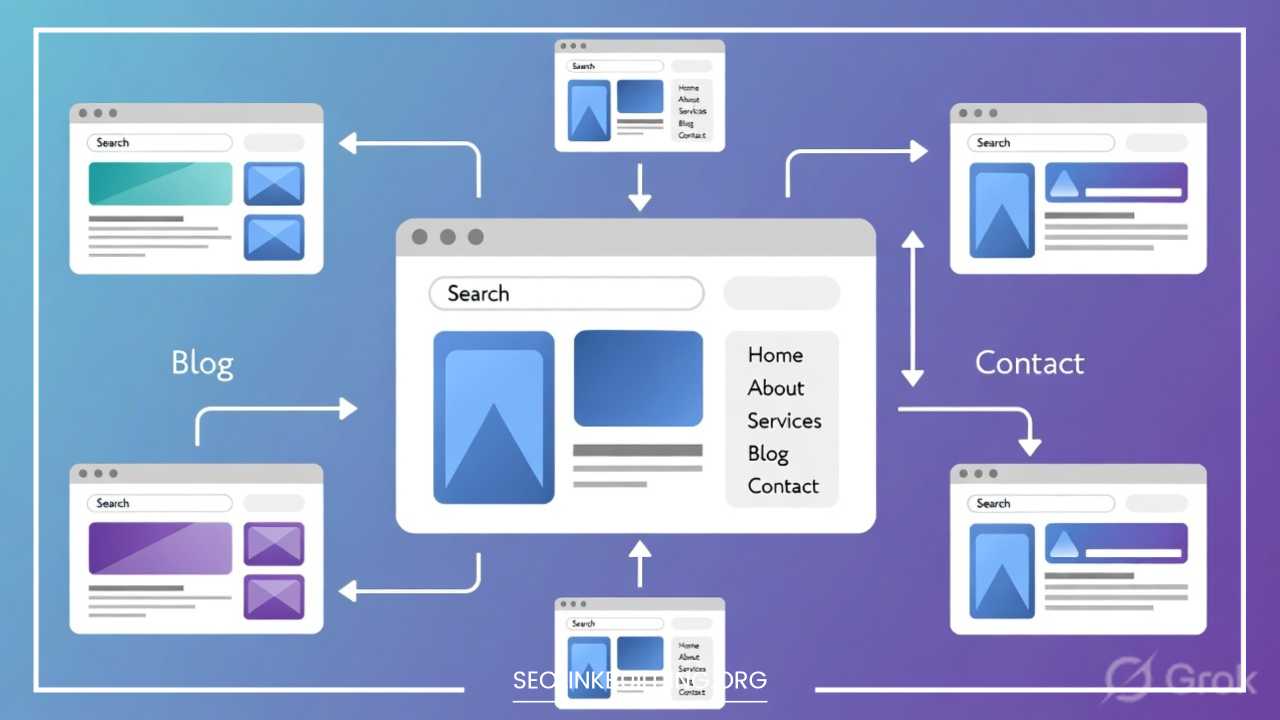
Site architecture is the blueprint of your store. A logical, “flat” hierarchy ensures that no page is more than 3-4 clicks away from the homepage.
Parent and Subcategory Relationships
Organize categories in a “Silo” structure. All “Men’s Shoes” subcategories (Running, Boots, Sandals) should link back to the “Men’s Shoes” parent category. This reinforces the topical authority of the parent page.
Strategic Internal Linking
-
From the Homepage: Link to your top-level and most profitable categories.
-
From Blog Posts: If you write a blog about “Summer Fashion Trends,” link to your “Sundresses” and “Sandals” categories. This passes authority from your informational content to your commercial pages.
-
Anchor Text: Use descriptive anchor text. Avoid “Click Here.” Instead, use “View our full range of waterproof hiking boots.”
Avoiding Orphan Pages
An “orphan page” is a category that is not linked to by any other page on your site. Search engines will struggle to find and index these. Every category should be accessible through the main navigation, a sitemap, or internal links.
Technical SEO Considerations for Category Pages
Beyond content and keywords, the technical health of your category pages is paramount.
Page Speed and Core Web Vitals
Category pages are often “heavy” because they load many product images.
-
Lazy Loading: Only load images as the user scrolls down the page.
-
Image Compression: Use modern formats like WebP to keep file sizes small without losing quality.
-
Minimize Scripts: Limit the number of third-party tracking scripts that fire on these pages.
Pagination vs. Infinite Scroll
Google generally prefers standard pagination (Page 1, 2, 3) because it provides clear, crawlable links. If you use infinite scroll, ensure you implement the History API so that the URL updates as the user scrolls. This allows search engines to still “see” and index the products that appear further down the list.
Schema Markup
Use Breadcrumb Schema to help Google understand your site’s structure and display breadcrumbs in search results. While Product Schema is usually for individual pages, some SEOs use CollectionPage schema for categories to tell Google, “This is a curated list of items.”
Content Strategies to Make Category Pages Rank Better
To truly outperform competitors, your category pages should provide more value than just a list of products.
1. Buying Guides and Educational Content
Include a “Buying Guide” section at the bottom of the page. If the category is “Yoga Mats,” explain the difference between PVC and natural rubber mats, or which thickness is best for different types of yoga. This increases the “topical relevance” of the page.
2. FAQ Sections
Use the “People Also Ask” data you found during keyword research to create an FAQ section. Not only is this helpful for shoppers, but if you use FAQ Schema, your questions may appear directly in the Google search results, significantly increasing your “real estate” and CTR.
3. User-Generated Content
If your platform allows it, show average star ratings for products directly on the category page. Some advanced sites even pull in a few featured customer reviews for the category as a whole. This adds “social proof” and keeps the content fresh.
Measuring & Improving Category Page SEO Performance
You cannot manage what you do not measure. Use a combination of Google Analytics 4 (GA4) and Google Search Console (GSC) to track your success.
Key Metrics to Track
-
Organic Entrances: How many people are starting their journey on a specific category page?
-
Keyword Rankings: Is your page moving from page 3 to page 1 for its primary keyword?
-
Bounce Rate vs. Exit Rate: A high bounce rate might mean the products don’t match the search intent. A high exit rate might mean the user found what they wanted but didn’t buy (or the checkout process is broken).
-
Conversion Rate by Category: Identify which categories drive the most revenue and prioritize them for further optimization.
Continuous A/B Testing
Don’t be afraid to experiment. Try changing the H1, moving the text from top to bottom, or adjusting the number of products shown per row. Small changes in UX can lead to significant jumps in SEO performance.
Common eCommerce Category Page SEO Mistakes
Even experienced marketers make mistakes. Watch out for these:
-
Thin Content: Having a category with only 2 or 3 products. If a category is that small, it should likely be merged into a larger one.
-
Duplicate Category Content: Copy-pasting the same description across “Men’s Blue Shirts” and “Men’s Red Shirts.” Each page needs unique text.
-
Ignoring Mobile Users: Assuming that because your desktop filters look great, they are easy to use on a 6-inch screen.
-
Broken Pagination: Links to “Page 2” that lead to a 404 error or redirect back to the homepage.
-
Hidden Content: Placing text inside “read more” accordions that search engines might devalue.
Final Thoughts & Best Practices Checklist
Optimizing eCommerce category pages is one of the highest-ROI activities in digital marketing. By treating these pages as destination hubs rather than just simple lists, you can capture a massive amount of high-intent search traffic.
The most successful eCommerce brands are those that balance technical “perfection” (like managing faceted navigation) with a genuine desire to help the user (like providing buying guides and easy filtering).
Your Actionable Checklist:
-
[ ] Conduct keyword research to find “plural” intent terms.
-
[ ] Clean up URL structures to be hierarchical.
-
[ ] Write unique, helpful content for every major category.
-
[ ] Implement breadcrumbs and Breadcrumb Schema.
-
[ ] Audit your filters to ensure they aren’t causing duplicate content.
-
[ ] Optimize image sizes and implement lazy loading for speed.
-
[ ] Use GSC to find and fix “orphan” or underperforming categories.
By following this roadmap, you will build a robust, scalable SEO foundation that drives traffic and revenue for years to come.